Photo to video
Turn Real Estate Photos Into a Cinematic Property Video
You already have the listing photographs. Send them to us and get back a property video with generated camera movement, smooth transitions, captions, licensed music and your agent branding — in horizontal and vertical.
8 to 30 photos. No filming. No camera. No software.
Delivered in hours · Branded and unbranded · 16:9 and 9:16
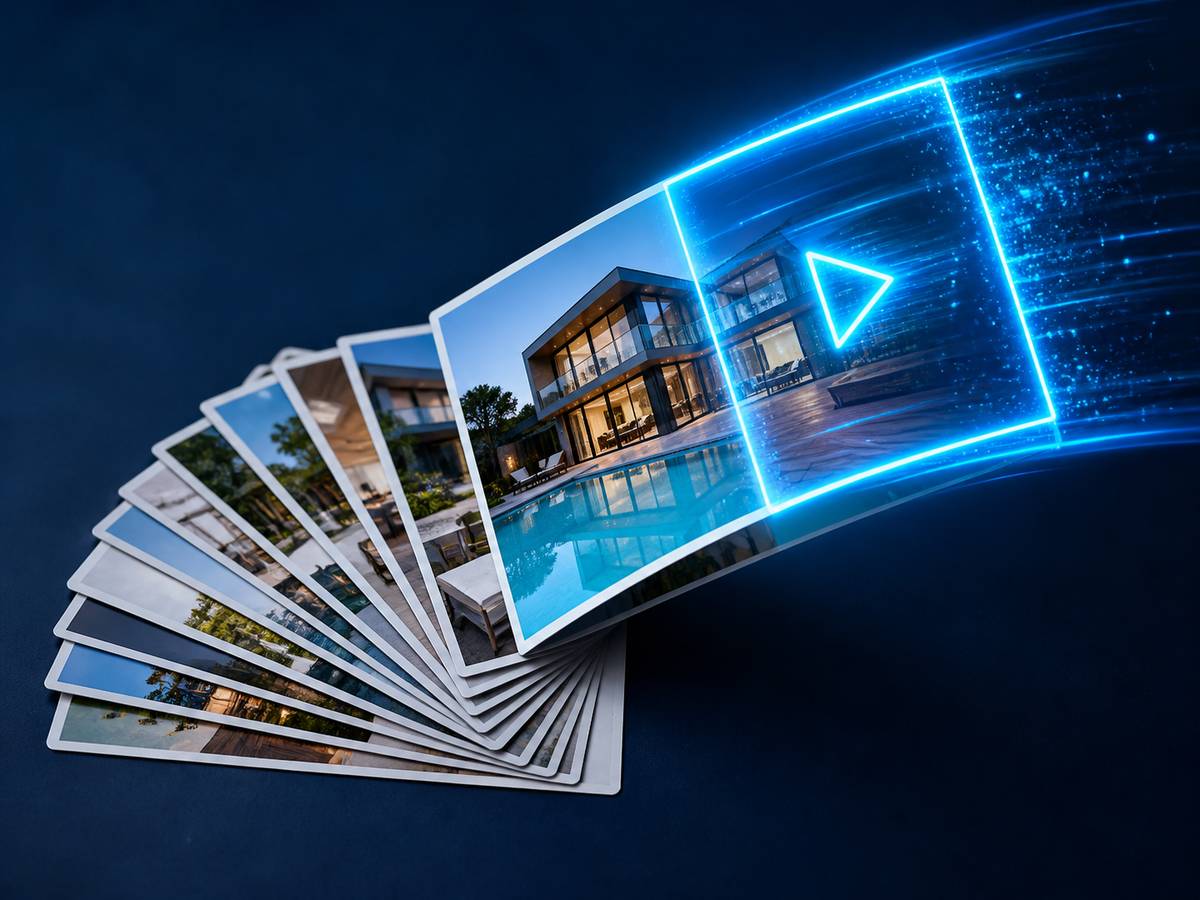
How do you turn real estate photos into a video?
To turn real estate photos into a video, you upload 8 to 30 listing photographs ordered as a walkthrough of the property, choose a video style, and add your listing details and branding. AI then estimates depth in each photograph, generates a camera path with parallax movement, and sequences the images into a finished property video with transitions, captions and music. Each photograph becomes roughly 2.5 to 3.5 seconds of video.
How many photos do you need?
| Property type | Photographs | Video length |
|---|---|---|
| Studio or one-bed apartment | 8–12 | 25–40 seconds |
| Two to three bed home | 12–18 | 40–60 seconds |
| Four+ bed family home | 18–25 | 60–85 seconds |
| Luxury or estate | 25–30 | 85–120 seconds |
| Commercial property | 15–25 | 55–90 seconds |
Work backwards from the length you want. Each photograph becomes about three seconds of finished video.
Photo order is the single biggest factor
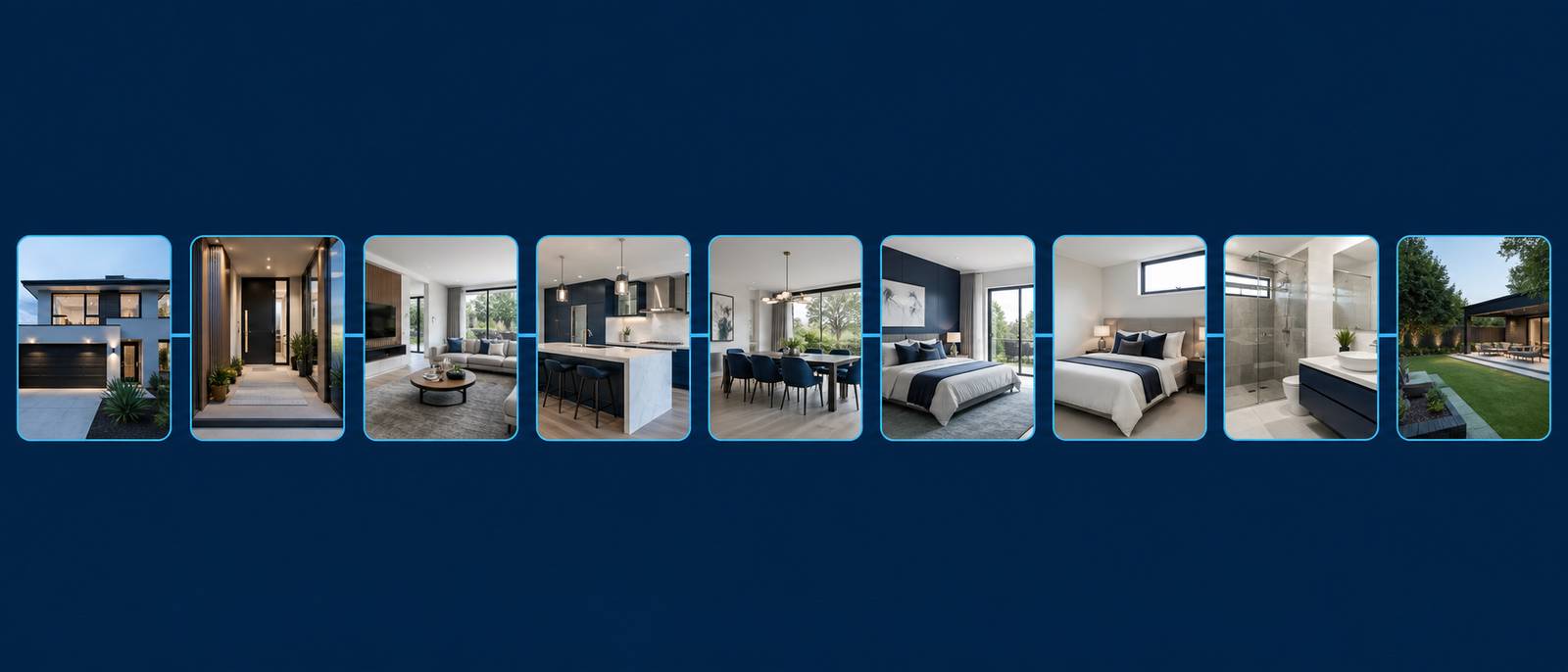
Order matters more than any other setting, and it is where most people go wrong by sending photographs in the order they came off the camera. Order them the way a buyer would physically walk the property.
- Exterior approach — the front elevation with some context
- Entry or hallway — the spatial anchor for everything that follows
- Main living space — your single strongest interior image goes here
- Kitchen — wide first, then any detail shots
- Dining and secondary living
- Primary bedroom, then remaining bedrooms in size order
- Bathrooms — main bathroom first
- Outdoor space — garden, terrace, pool, parking
- Aerial or context shot to close
Send your files numbered 01, 02, 03 in walkthrough order and the result will be dramatically better. It takes two minutes and makes more difference than any other decision.
Which photographs work best
Works well
- Full-resolution files straight from the camera
- Wide shots showing a whole room
- Even, natural lighting
- Clear foreground, middle and background depth
- Corrected verticals and straight walls
- HDR or flambient blended interiors
- Sharp focus throughout
Works badly
- Low-resolution downloads from a listing portal
- Screenshots of photographs
- Heavy composites and obvious edits
- Images with people or pets in them
- Extreme wide-angle with heavy distortion
- Very dark or blown-out frames
- Motion blur or soft focus
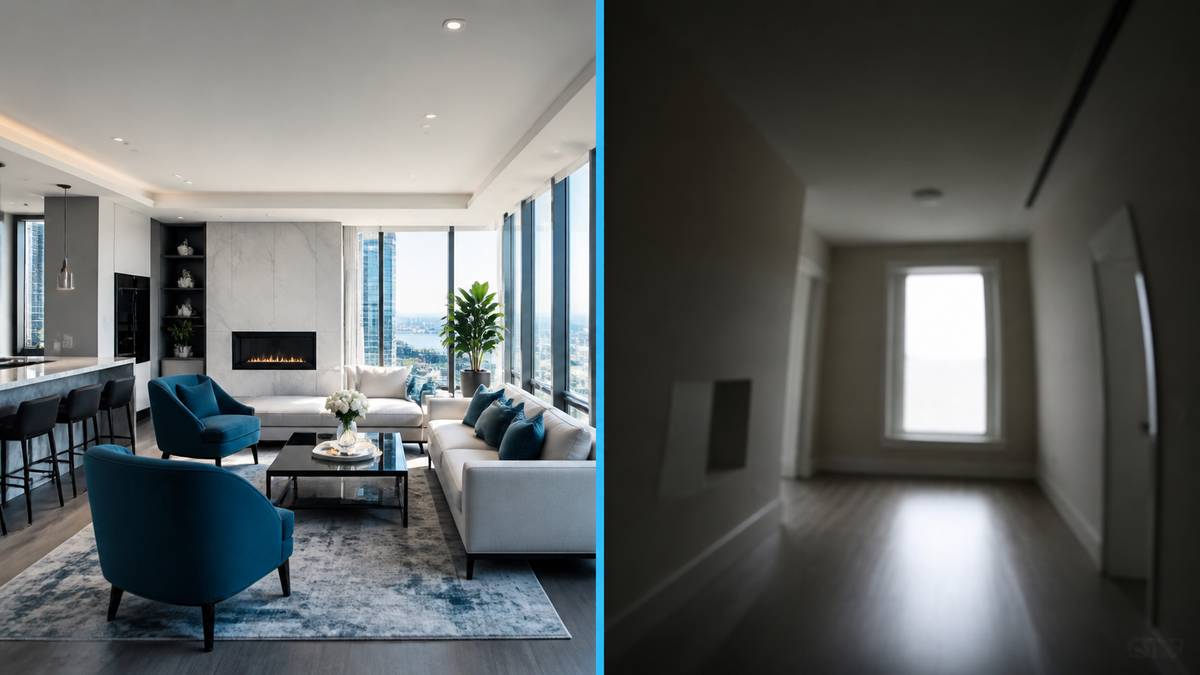
How AI generates movement from a still image
A photograph is flat. Creating believable movement from it means estimating what is near and what is far, then moving a virtual camera through that estimated space.
- Depth estimation — a per-pixel estimate of distance from the camera
- Layer separation — foreground, mid-ground, background and through-window content
- Motion path generation — a slow push-in for a living room, a lateral drift for a long kitchen, a rise for a tall entrance
- Parallax rendering — near layers shift more than far layers, which is what makes it read as real camera motion rather than a zoom
- Gap filling — areas revealed behind foreground objects are filled in
Our defaults are deliberately conservative on motion intensity, because aggressive movement on a flat image is what produces visible artefacts.
Interior and exterior behave differently
Interior images
Rooms have strong depth cues — walls, floors and furniture at different distances. Movement is usually a slow push-in or lateral drift. Windows are the hardest element because the view beyond sits at effectively infinite distance.
Exterior images
Exteriors have flatter depth and a dominant sky, so movement tends toward a slow rise or pull-back. Trees and foliage are the difficult element because fine detail makes gap-filling more visible.
Photo preparation checklist
Twelve things to do before sending your photographs. Each one measurably improves the output.
- Export at full resolution — do not resize down
- Correct verticals so walls are straight
- Blend or bracket interiors so windows are not blown out
- Remove people and pets from every frame
- Neutralise colour casts from mixed lighting
- Turn lights on consistently — all on or all off
- Remove clutter before shooting rather than editing it out after
- Shoot each room wide enough to show its full extent
- Include foreground depth in every key room
- Avoid mirrors that reflect the photographer
- Keep white balance consistent across the whole set
- Number the files in walkthrough order before sending
Photo-to-video FAQs
Can you really make a property video from photos alone?
Yes. You need photographs only — no video footage, no camera and no editing software. Send 8 to 30 listing photos and we return a finished property video in horizontal and vertical.
How long does it take?
Hours, not days. Send photographs in the morning and you will normally have the video the same day.
Will it look like a real video?
It reads as genuine camera movement because of the parallax depth rendering, not as a zooming slideshow. It is not identical to a filmed walkthrough, and for a listing where the video is the primary marketing we would still recommend professional editing of filmed footage.
Can it show a room I did not photograph?
No, and it never will. The video can only contain what is in your photographs.
Does it change how the property looks?
No. It adds movement and depth to your existing images. It does not add or remove furniture, alter finishes or change room dimensions unless you specifically enable virtual staging, which is disclosed on export.
What if I do not like one of the scenes?
Tell us which one and we regenerate that scene with a different motion path. You do not have to rebuild the whole video.
Send your listing photos, get a property video.
8 to 30 photographs is all we need. Delivered in horizontal and vertical, branded and unbranded.
Length planning
How many seconds each photograph becomes
Pacing is set by the template, but the arithmetic is predictable. Use this to work backwards from the length you need.
| Style | Seconds per photo | 12 photos | 20 photos | 30 photos |
|---|---|---|---|---|
| Modern Luxury | 3.5s | 42s | 70s | 105s |
| Cinematic Dark | 3.5s | 42s | 70s | 105s |
| Clean Listing | 3.0s | 36s | 60s | 90s |
| Bright Residential | 3.0s | 36s | 60s | 90s |
| Commercial Property | 3.2s | 38s | 64s | 96s |
| Just Listed / Open House | 1.8s | 22s | 36s | 54s |
If you need a 30-second Reel and a 90-second listing video from the same property, send the full set once and ask for both. We cut the short version from the same generated master rather than charging you twice.
By property type
Photo-to-video for different property types
Residential resale
The standard case. 15–20 photographs in walkthrough order produces a 50–65 second video that works on a portal and cuts down to a Reel.
Rental and multifamily
Where photo-to-video earns its keep. Build one template per unit type, then produce every unit from the same setup. See property managers.
New build and off-plan
Works from renders and CGI as well as photographs. Label generated content as computer-generated — see builders and developers.
Commercial
Works for office and retail where you have good interior stills. Site context is weaker than with real aerial footage — see commercial video.
Sources and further reading
We link out to primary sources rather than to other blogs. Where a figure on this page comes from research we did not conduct, the original study is linked below.
- Google Search Central — Creating helpful, reliable, people-first content — Google’s guidance on content quality, which shapes how we write every page on this site.
- Instagram Help Centre — Reels specifications — Official Instagram documentation on Reels length, aspect ratio and upload requirements.
- YouTube Help — Create a YouTube Short — YouTube’s requirements for Shorts, including aspect ratio and duration.
- RESO — Real Estate Standards Organization — The body that maintains MLS data standards, including media and syndication rules.
Related pages

Specialist real estate video editors. We turn property footage and listing photographs into finished listing videos for agents, photographers and brokerages worldwide.
[email protected]
Replies within 4 business hours
Editing Services
AI Video Maker
Guides & Resources
Serving real estate agents, property photographers and brokerages in the United States, Canada, the United Kingdom, Australia and worldwide. All editing performed by a dedicated real estate video team. We do not shoot on location — everything is remote and digital.
- © 2026 Real Estate Video Editor
- Privacy Policy
- Terms of Service
- Acceptable Use
- Refund Policy
- AI Transparency