Walkthrough and Property Tour Video Editing
A walkthrough video has a different job from a listing video. It has to let a buyer build a mental floor plan of the property. That changes almost every editing decision — pacing, transitions, room labelling and how you handle corridors.
24–48h standard turnaround · 2 revision rounds · 16:9 and 9:16 delivered · Unbranded MLS versions on request
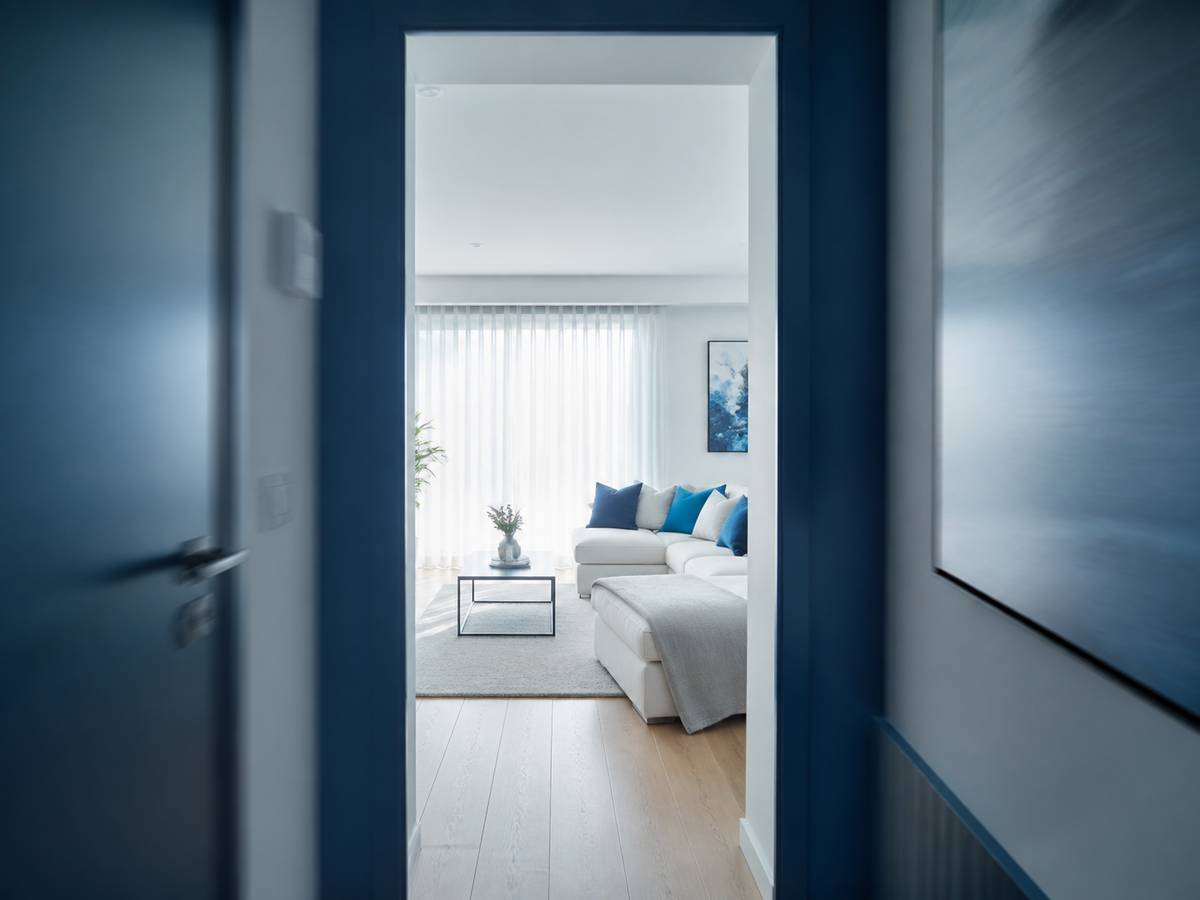
Why a walk through video is edited differently
A listing video creates desire. A walkthrough video creates understanding. If a buyer finishes your walkthrough and still cannot describe where the kitchen is relative to the front door, the edit has failed regardless of how good it looks.
Listing video
- Selected highlight shots
- Fast cutting for energy
- Music-led pacing
- Skips transitional space
- 60–120 seconds
- Goal: book a viewing
Walkthrough video
- Continuous or near-continuous
- Steady, even pacing
- Movement-led pacing
- Keeps doorways and stairs
- 90–180 seconds
- Goal: understand the layout
Maintaining spatial orientation through cuts
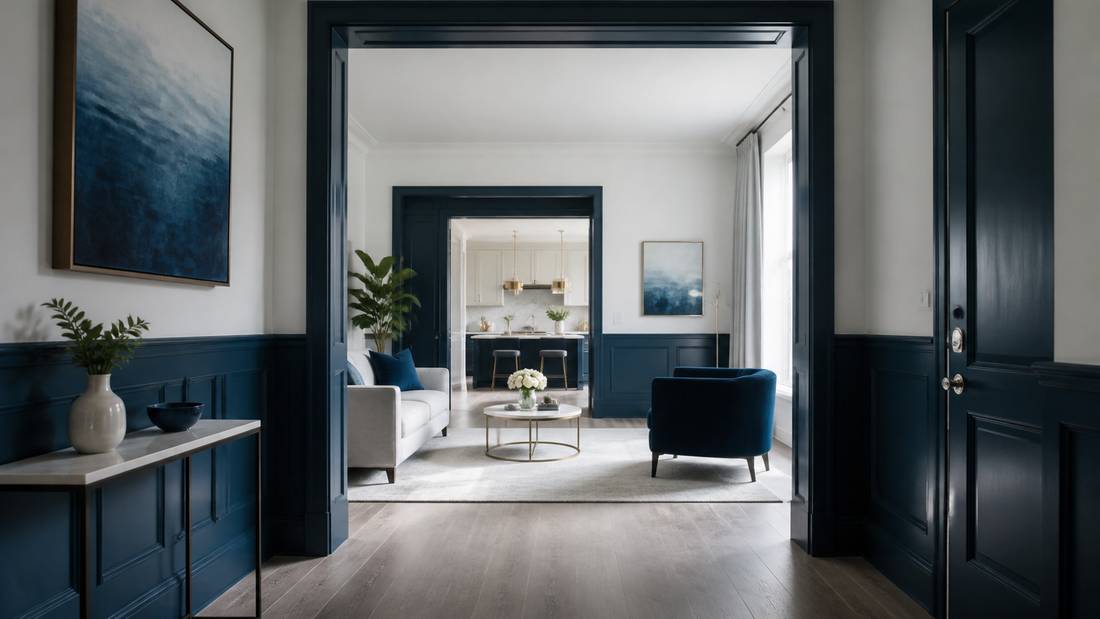
The single biggest failure in walk through editing is cutting in a way that disorients the viewer. These are the rules we edit to.
- Never cut across a doorway. Enter the room in the shot, or hold on the threshold. Cutting mid-doorway breaks the viewer’s mental map.
- Preserve direction of travel. If the camera is moving left to right, the next shot continues left to right. Reversing direction reads as going back.
- Hold on arrival. When the camera enters a room, hold for at least 1.5 seconds before any movement so the viewer can orient before the frame changes.
- Keep stairs whole. Stair transitions are the strongest orientation cue in a property. We never trim them to save time.
- Use corridors, do not cut them. Corridors feel like dead space but they are the connective tissue that makes the layout legible. We speed-ramp them rather than removing them.
Continuous take or cut-based walkthrough?
| Continuous take | Cut-based walkthrough | |
|---|---|---|
| Feels like | Being walked round by the agent | A guided edit |
| Requires | A clean single take, well shot | Multiple clips, any order |
| Best for | Apartments, smaller homes, rentals | Larger homes, multi-level, estates |
| Risk | One mistake ruins the take | Disorientation if cut badly |
| What we do | Stabilise, grade, speed-ramp dead space, add labels | Sequence for orientation, match transitions |
Send whatever you have. If you shot a single continuous take we will work with it; if you shot room by room we will sequence it into a coherent walk through.
Room labelling and floor plan overlays
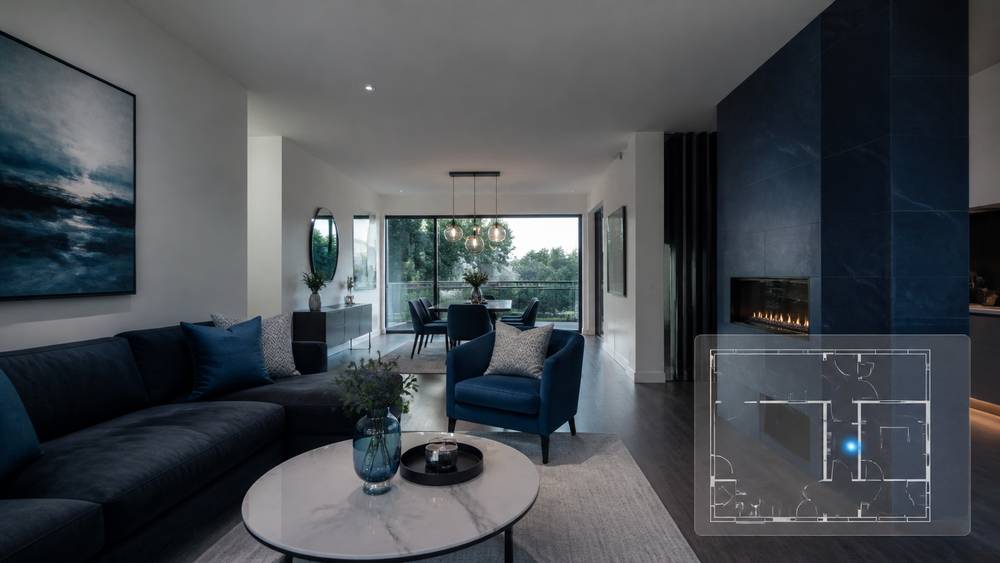
Text labels naming each room as the camera enters carry more weight in a walkthrough than in any other property video format, because the viewer is actively building a map.
- Room name labels on entry to each space, styled to your brand
- Dimension overlays where you supply measurements
- A floor plan minimap in the corner with a marker showing the current position — supplied from your floor plan file
- Level indicators on multi-storey properties
- Compass or aspect indicators for light-sensitive buyers
The floor plan minimap is the single most effective addition to a walkthrough video and almost nobody offers it. We need your floor plan as a PDF, PNG or DWG to build it.
Turnaround times and file delivery
| Service level | Turnaround | Price adjustment |
|---|---|---|
| Standard | 24–48 hours | Base price |
| Rush | 12 hours | +30% |
| Same day | Under 8 hours, subject to capacity | +50% |
| Bulk / retainer | Scheduled capacity slots | Volume discount |
Accepted formats: MP4, MOV, ProRes, H.264, H.265 and DNG sequences. No file size limit — send via our upload link, Dropbox, Google Drive or WeTransfer. Project files are retained for 60 days after delivery.
Pricing
| Package | Includes | Price |
|---|---|---|
| Essential Listing Edit | Up to 60 seconds, single format, standard grade, licensed music, 1 revision | $99 |
| Cinematic Property Edit | Up to 120 seconds, 16:9 + 9:16, full grade, sound design, branding, 2 revisions | $179 |
| Luxury & Drone Edit | Up to 180 seconds, drone integration, custom titles, colour matching, 3 revisions | $299 |
| Volume / White Label | Bulk pricing for photographers and brokerages, scheduled capacity, dedicated editor | Custom |
Every package includes both aspect ratios and an unbranded MLS-compliant cut at no extra cost. See full pricing and add-ons.
Frequently asked questions
What is the difference between a walkthrough video and a listing video?
A listing video is a marketing highlight edit built to create interest. A walkthrough is built to convey layout and flow so a buyer understands the property. Many agents order both from the same footage, and we price the second edit at a reduced rate because the footage is already prepared.
How long should a property walk through video be?
Usually 90 to 180 seconds. Shorter than 90 and you cannot cover a full property without rushing the viewer past orientation cues. Longer than 180 and retention drops sharply unless the property is exceptional.
Can you add a floor plan to the walkthrough?
Yes. Send us your floor plan as a PDF, PNG or DWG and we can add a corner minimap with a position marker that moves as the camera does, or full-screen floor plan cards at each level transition.
Can you fix a walkthrough where I stopped and started filming?
In most cases yes. We can bridge stops with match cuts, speed ramps or short transitional graphics. Send everything you shot including the parts you think are unusable.
Do you edit virtual tour and 360 footage?
We edit standard video from 360 cameras, including reframed flat-video exports. We do not build interactive 360 tours — for those you want a platform like CloudPano or Matterport, and we are happy to edit the video assets alongside them.
Send us your walkthrough footage.
We will confirm price and delivery time within 4 business hours.

Specialist real estate video editors. We turn property footage and listing photographs into finished listing videos for agents, photographers and brokerages worldwide.
[email protected]
Replies within 4 business hours
Editing Services
AI Video Maker
Guides & Resources
Serving real estate agents, property photographers and brokerages in the United States, Canada, the United Kingdom, Australia and worldwide. All editing performed by a dedicated real estate video team. We do not shoot on location — everything is remote and digital.
- © 2026 Real Estate Video Editor
- Privacy Policy
- Terms of Service
- Acceptable Use
- Refund Policy
- AI Transparency