The process
How the AI Real Estate Video Maker Works
Five steps from a folder of listing photographs to a finished property video in every format you need. Here is exactly what happens at each stage and what you control.
8–30 photos · Delivered in hours · 4 video files per listing
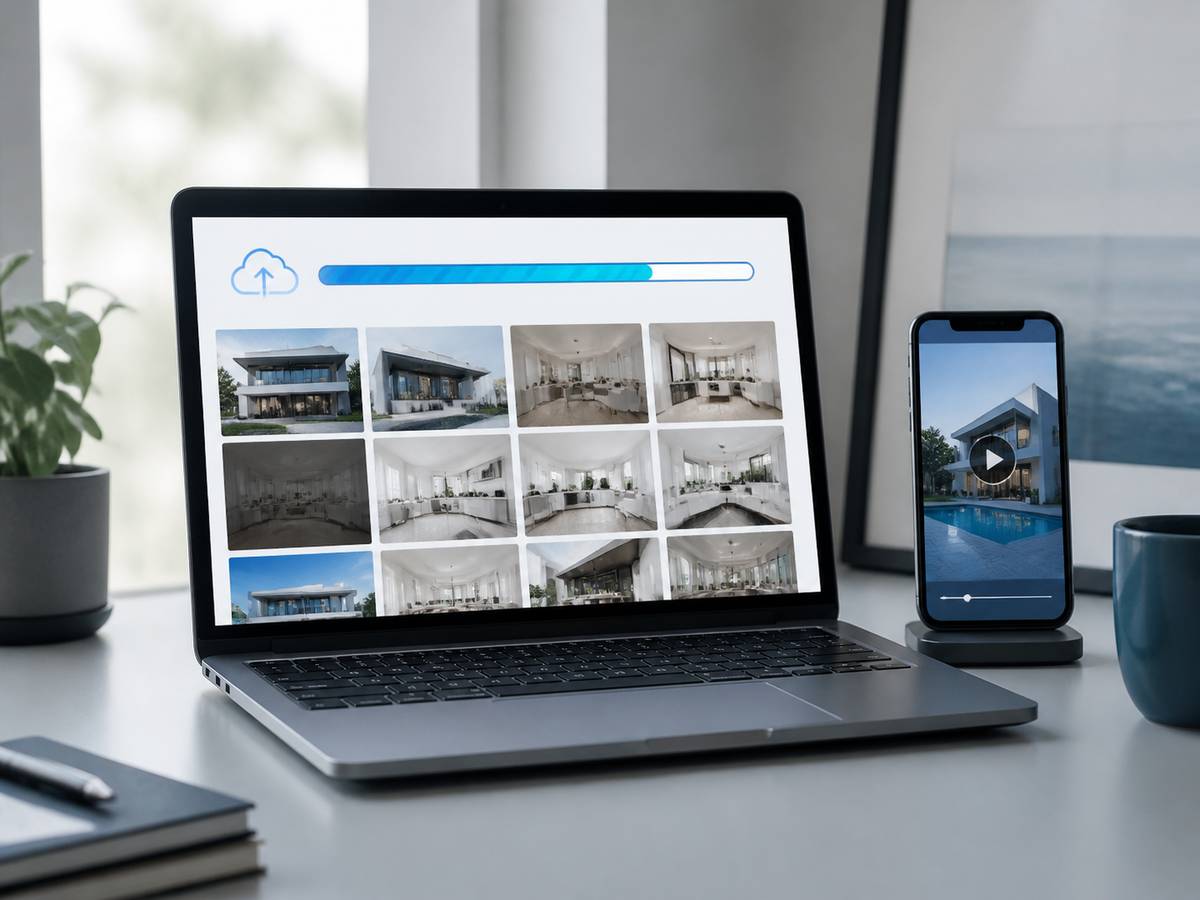
The five steps
Step 1
Send your photos
Drag 8 to 30 listing photographs into the upload form, or share a Dropbox or Drive link. JPG or PNG at full resolution. About 30 seconds.
Step 2
Order and review
Arrange the images into walkthrough order. We suggest an order based on room type and you adjust it. About 2 minutes.
Step 3
Choose a style
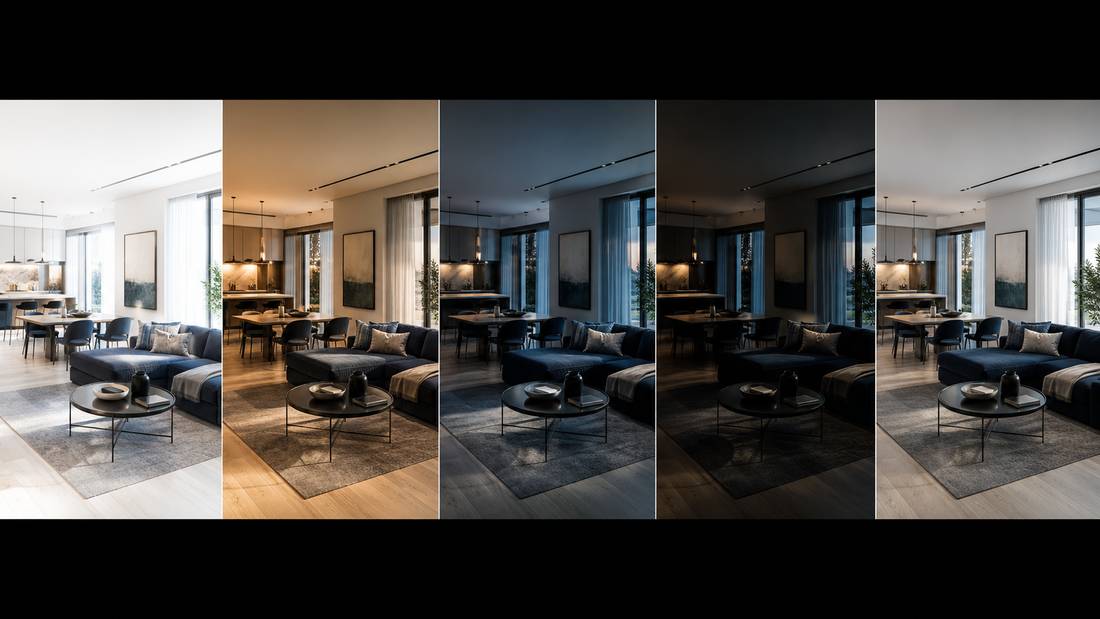
Cinematic, bright residential, luxury dark, commercial or fast social. Each sets pacing, grading, typography and music together.
Step 4
Add details and branding
Address, price, beds, baths, square footage, logo, headshot and contact details. Saved to your profile so you only do it once.
Step 5
Get your video
Horizontal and vertical, branded and unbranded. Ask for any scene to be regenerated if you want it different.
What you control at each stage
| Stage | You control | We handle |
|---|---|---|
| Upload | Which photographs, what resolution | Image analysis and depth mapping |
| Ordering | The sequence | A suggested starting order |
| Style | The preset and any overrides | Pacing, grading and music that match it |
| Motion | Intensity per scene | The specific camera path for each image |
| Text | All property copy and captions | Placement, timing and safe-zone compliance |
| Branding | Logo, colours, contact details | Layout and animation of branded elements |
| Export | Formats and resolution | Encoding settings per destination |
If the result is not quite right
These are the fixes, in the order to try them.
- Pacing feels rushed — reduce the number of photographs or increase per-scene duration.
- Movement looks unnatural — we lower the motion intensity for that scene. Aggressive movement on a flat image is the most common cause of artefacts.
- One scene has visual artefacts — we regenerate that single scene with a different motion path rather than rebuilding the video.
- The order feels wrong — reorder and we regenerate. Highest-impact fix and the fastest.
- The style does not suit the property — change the preset. A luxury dark grade on a bright coastal apartment will always fight the property.
- Text is cut off on your phone — check you are viewing the 9:16 export, which uses different safe zones from the 16:9 version.
Ready to try it?
Send your listing photographs and we will return a finished property video.

Specialist real estate video editors. We turn property footage and listing photographs into finished listing videos for agents, photographers and brokerages worldwide.
[email protected]
Replies within 4 business hours
Editing Services
AI Video Maker
Guides & Resources
Serving real estate agents, property photographers and brokerages in the United States, Canada, the United Kingdom, Australia and worldwide. All editing performed by a dedicated real estate video team. We do not shoot on location — everything is remote and digital.
- © 2026 Real Estate Video Editor
- Privacy Policy
- Terms of Service
- Acceptable Use
- Refund Policy
- AI Transparency