Photo to video for property listings
AI Real Estate Video Maker
Upload the listing photographs you already have and our AI real estate video maker turns them into a cinematic property video — with generated camera movement, smooth transitions, captions, licensed music and your agent branding.
No filming. No camera. No editing software. 8 to 30 photos is all we need.
Horizontal and vertical · Branded and unbranded · Delivered in hours
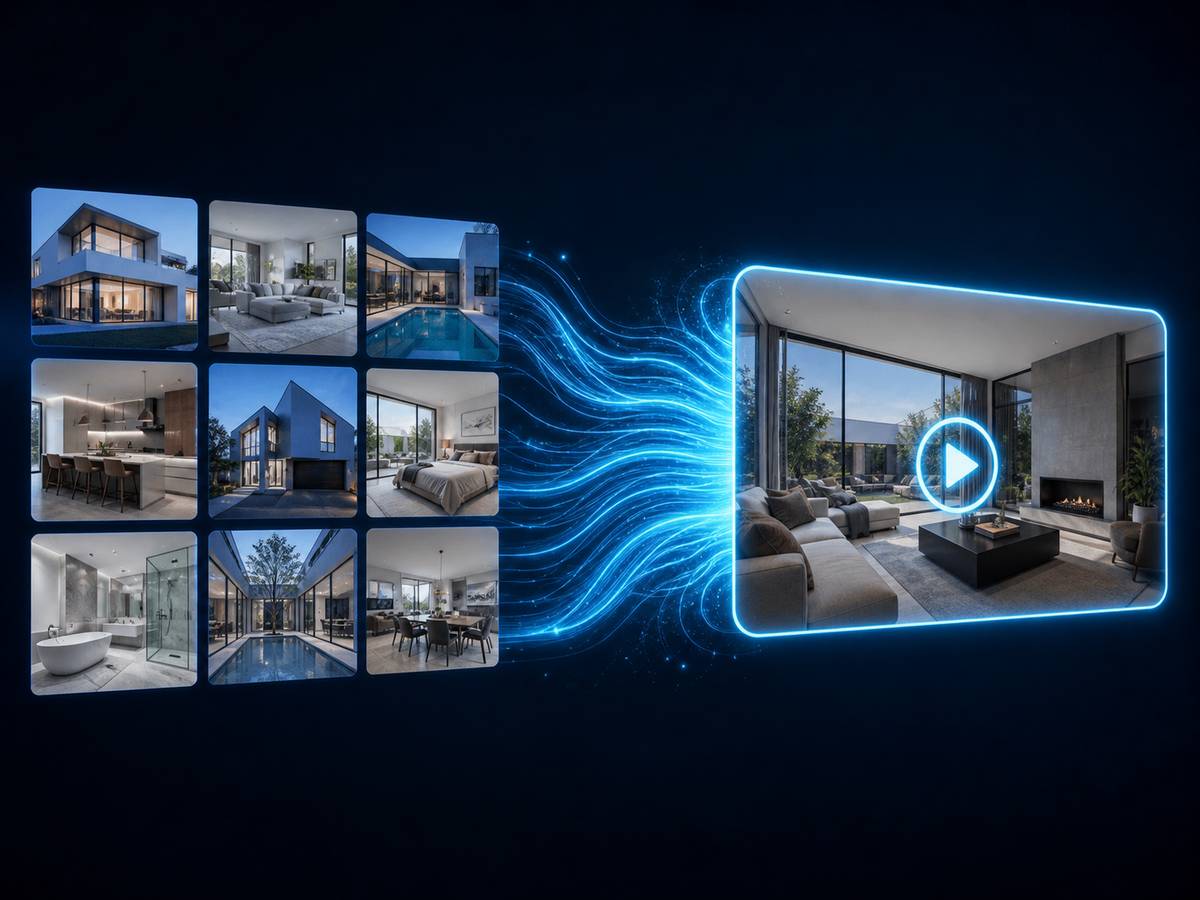
How does an AI real estate video maker work?
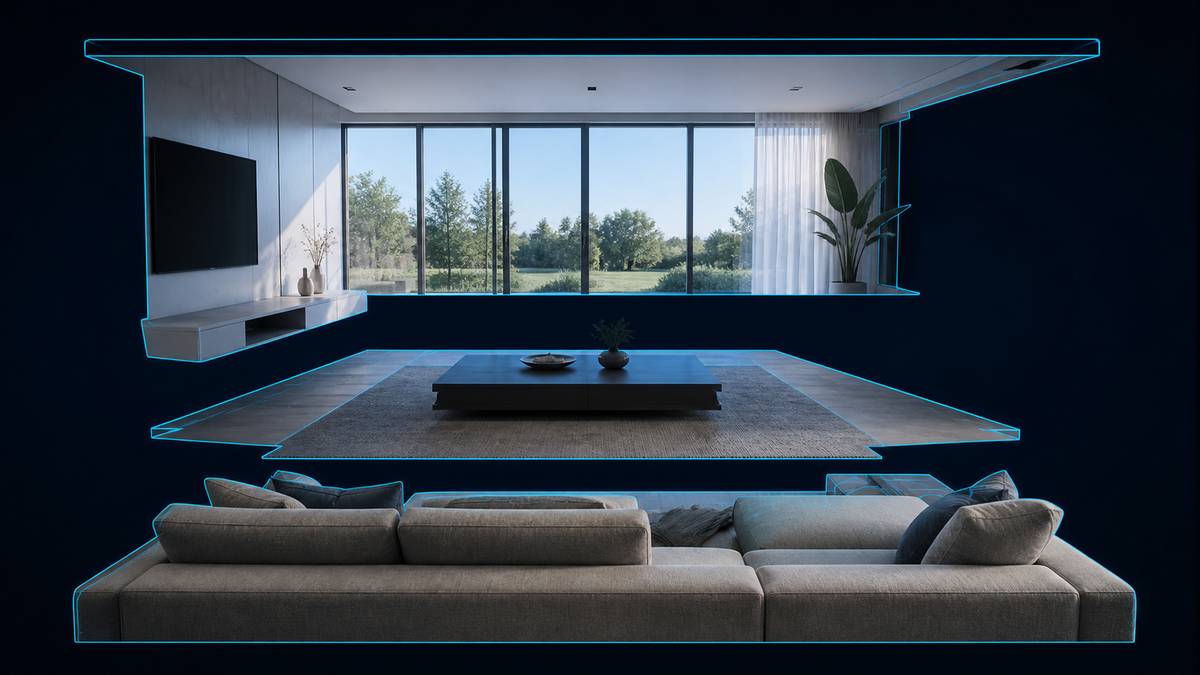
An AI real estate video maker converts static listing photographs into a moving property video. It estimates depth in each image, separates the scene into foreground and background layers, generates a camera path through that estimated space, and renders the movement with parallax so it reads as real camera motion rather than a zoom. The images are then sequenced into walkthrough order and finished with transitions, captions, music and branding.
That is exactly what our tool does with your listing photos. You send the images; you get back a finished property video in horizontal and vertical, branded and unbranded.
8–30
Photos needed
Hours
Not days
4
Video files per listing
0
Filming required
The process
How to make a real estate video from photos
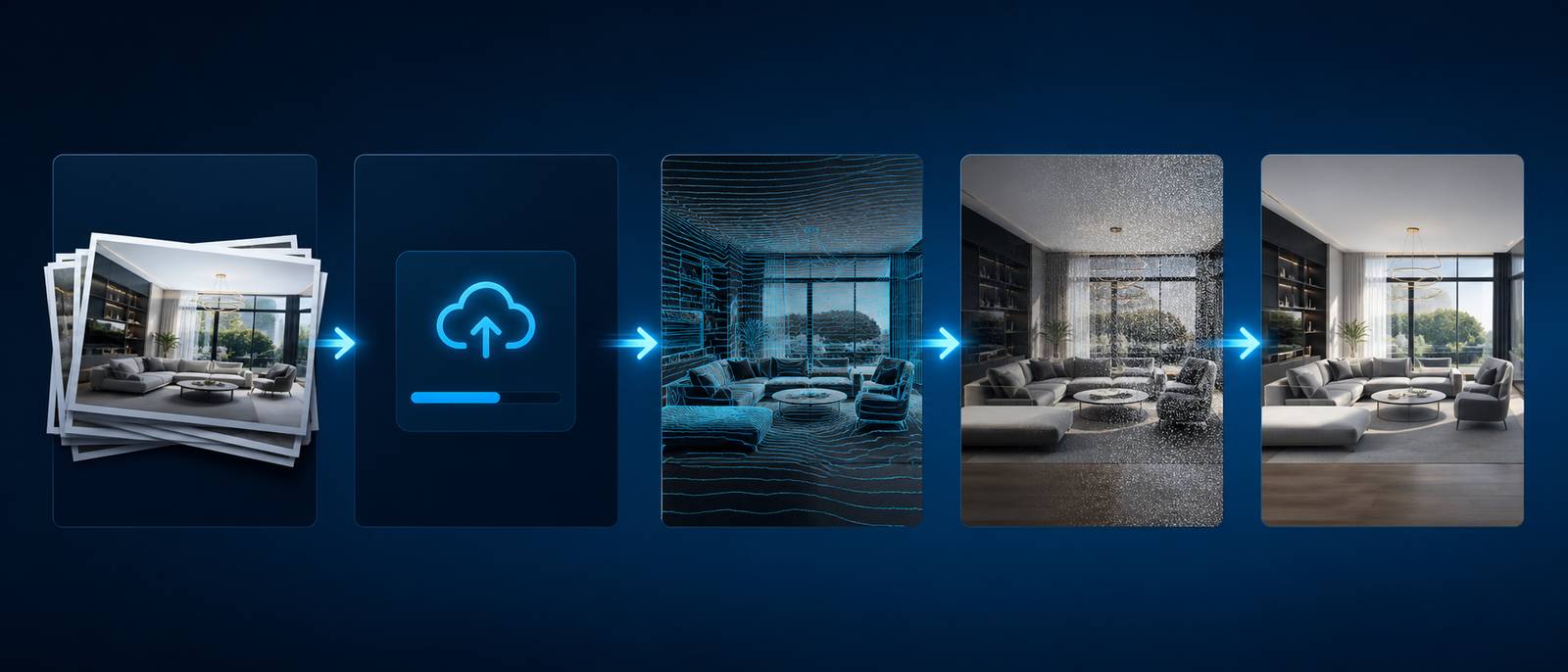
Step 1
Upload your listing photos
8 to 30 images, interior and exterior, straight from the camera at full resolution.
Step 2
Order them as a walkthrough
Approach, entry, main living, kitchen, bedrooms, bathrooms, outdoor, aerial. We will suggest an order and you adjust it.
Step 3
Choose a style
Cinematic, bright residential, luxury dark, commercial or fast-cut social. Each sets pacing, grading, typography and music together.
Step 4
Add listing details and branding
Address, price, beds, baths, square footage, your logo, headshot and contact details.
Step 5
Get your video
Horizontal and vertical, branded and unbranded. Ask for any scene to be regenerated if you want it different.
Included as standard
What you get with every listing
Motion and visuals
- AI camera movement — pan, push-in and orbit simulation
- Parallax depth generated from each still
- Cinematic scene transitions
- Style presets with matched colour grading
- Any scene regenerated on request
Text and audio
- Automatic captions placed inside platform safe zones
- Property detail cards — price, beds, baths, square footage
- Licensed background music, cleared for organic and paid use
- AI voiceover from your listing copy
- Call-to-action end card
Your branding
- Agent logo and headshot
- Brokerage colour palette
- Contact bar
- Custom intro and outro
- Saved once and reused on every future video
Delivery
- 16:9 horizontal for MLS, YouTube and your website
- 9:16 vertical for Reels, TikTok and Shorts
- Branded and unbranded versions of each
- 1080p as standard, 4K available
- Direct download, no account required
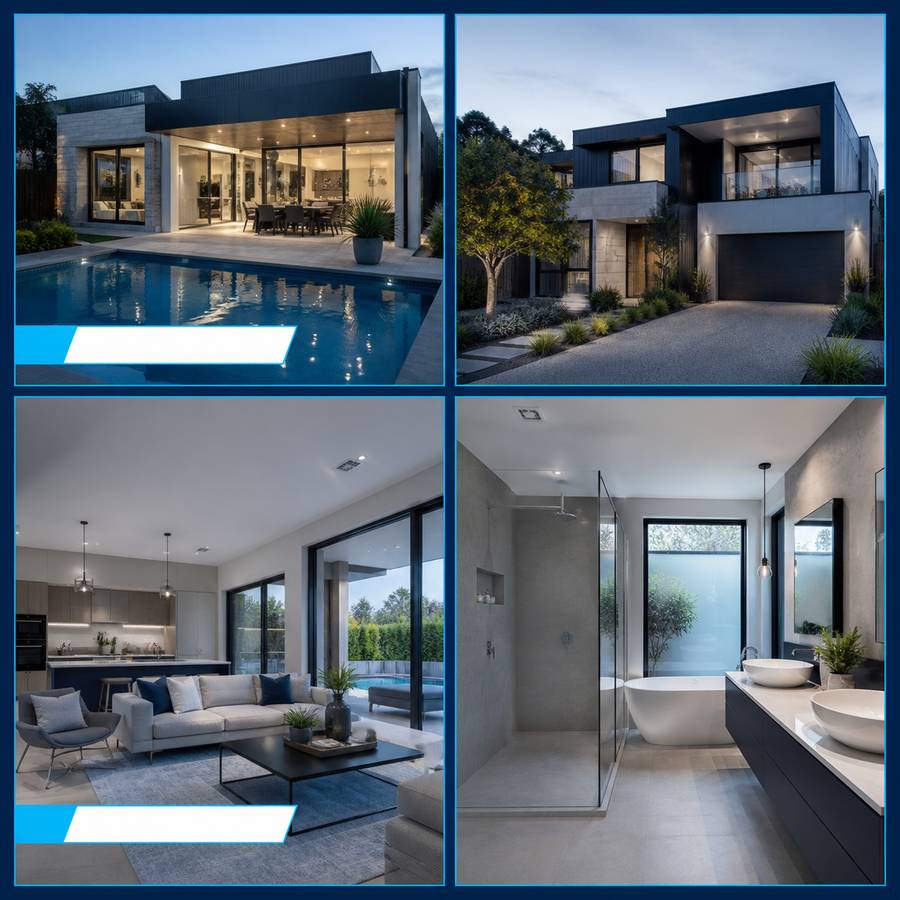
Formats and destinations
Where you can publish your property video
Every listing produces four video files, composed for their destination rather than cropped from one master.
- MLS and portal syndication — unbranded, compliant
- Zillow, Realtor.com and listing portals
- Your agent or brokerage website
- Instagram Reels and Feed
- TikTok
- YouTube and YouTube Shorts
- Facebook and Facebook Reels
- Listing presentations and email campaigns
AI video maker or professional editing?
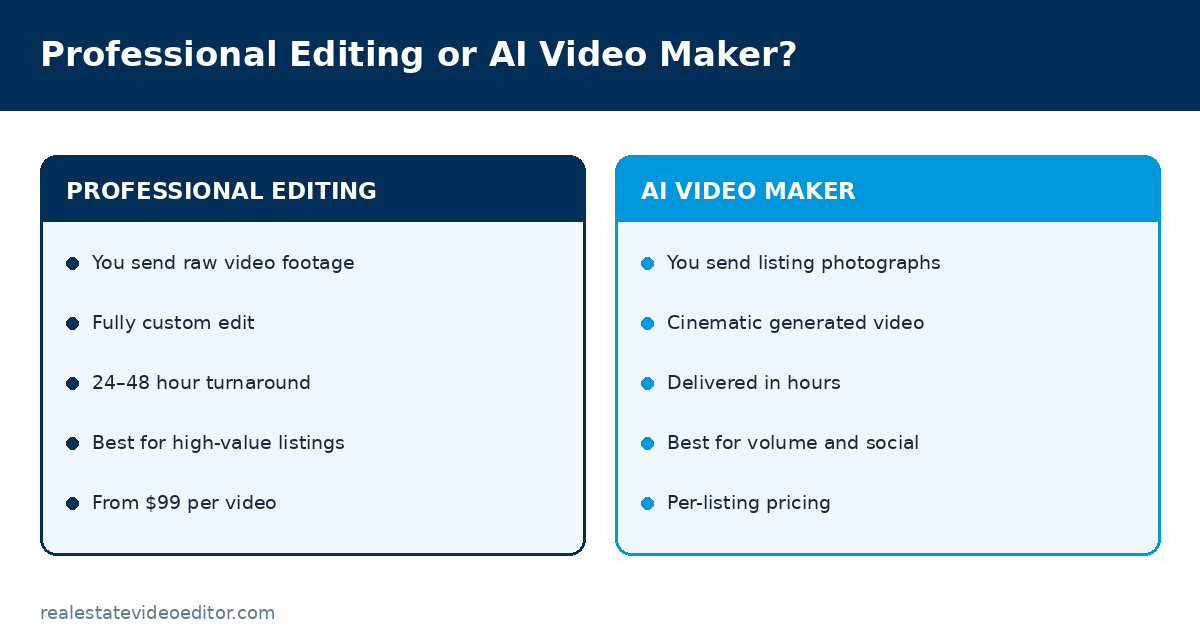
| AI video maker | Professional editing | |
|---|---|---|
| You send | Listing photographs | Raw video footage |
| Output | Cinematic generated video | Fully custom edit |
| Creative control | Style and branding options | Complete, brief-driven |
| Best for | Volume, speed, social content | Luxury and brand-critical listings |
| Turnaround | Hours | 24–48 hours |
| Price | Per listing | From $99 per video |
We are not going to tell you the AI tool beats a human editor at everything, because it does not. It is dramatically faster and cheaper for volume social content, and a professional edit remains the right choice when the video is the marketing. See the editing service.
Templates
Video styles and templates
A template sets pacing, grading, typography and music as one coordinated choice. Browse the full template library.
Honest AI
How we use AI, and what we will not do
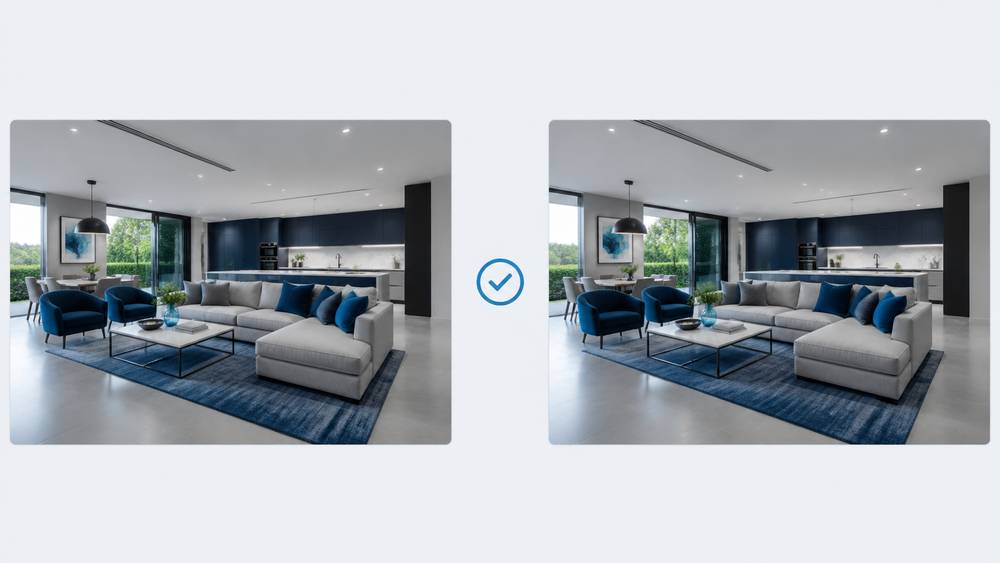
- AI generates camera motion and depth from your photographs. It does not invent rooms, remove walls, change room dimensions or alter the structure of the property.
- We do not add furniture or virtually stage a room unless you ask for it. Virtual staging is opt-in and every staged output carries an on-screen disclosure by default.
- We do not change the condition of a property — no repairing damage, removing damp or improving finishes.
- You keep full ownership of your photographs. We do not train models on your images without explicit opt-in.
- You hold full commercial rights to every video we produce for you, including for paid advertising.
- Misrepresenting a property is a legal risk for you as the agent. Our defaults are deliberately conservative for that reason.
AI real estate video maker FAQs
Can AI make a real estate video from just photos?
Yes. Our AI real estate video maker analyses each listing photograph, estimates depth, generates camera movement with parallax, and sequences the images into a property walkthrough finished with captions, music and your branding. You need photographs only — no video footage and no camera.
How many photos do I need?
Between 8 and 30. Below 8 the video is too short to be useful; above 30 the pacing suffers unless the property is large. For a standard family home, 15 to 20 well-chosen photographs produce the best result. Each photo becomes roughly 2.5 to 3.5 seconds of video.
Do I need any video editing experience?
No. If you can send a folder of photographs and type a property address, you can get a property video. There is nothing to learn and no software to install.
Can I add my logo and brokerage branding?
Yes. Logo, headshot, brand colours and contact details are all applied to the video, and we save them so every future video uses them automatically.
Can I create vertical videos for Reels and TikTok?
Yes. Every listing produces both a 16:9 horizontal and a 9:16 vertical version, each composed for its own aspect ratio rather than cropped from the other.
Does the AI change how the property looks?
No. It adds camera movement and depth to your existing photographs. It does not add or remove furniture, alter finishes, change room dimensions or generate anything that was not in your photograph — unless you specifically enable virtual staging, which is disclosed on export.
Can I use the videos commercially and on the MLS?
Yes. You hold full commercial rights to everything we produce for you. Every listing is delivered in branded and unbranded versions specifically so the unbranded cut can be syndicated to MLSs that prohibit agent branding.
What image formats and sizes work best?
JPG and PNG at full resolution, straight from the camera. Higher resolution gives the AI more pixels to work with when generating movement. Avoid low-resolution images downloaded back off a listing portal.
How long does it take?
Hours, not days. Send your photographs in the morning and you will normally have the video the same day.
What is the difference between this and your editing service?
The AI video maker works from photographs and produces a template-driven cinematic video in hours. Our editing service works from video footage and produces a fully custom edit in 24 to 48 hours. Different inputs, different outputs, different price points.
Turn your listing photos into a property video.
Send us the photographs you already have. No filming, no software, no video experience needed.
Honest guidance
When AI property video is the right choice — and when it is not
We sell both a human editing service and an AI video maker, which puts us in an unusual position: we have no incentive to oversell either one. Here is the honest split.
Use the AI video maker when
- You have photographs but no video footage
- The listing needs social content this week, at volume
- You are marketing many similar units — rentals, new build, multifamily
- The budget per listing is tight and the alternative is no video at all
- You need a Just Listed or Open House announcement fast
- You want to test whether video moves the needle before committing
Use a human editor when
- The video is the primary marketing for a high-value listing
- You filmed the property and have real footage
- There is drone footage that has to cut with interior footage
- The seller will judge you on the production quality
- You need creative decisions — pacing, emphasis, sound design
- It is going in a listing presentation for a competitive instruction
Most of our clients use both, and the split is usually about listing value. See the editing service or compare the two on pricing.
Limits
What AI property video cannot do
Being specific about limits is more useful than a feature list, and it saves you sending photographs that will not work.
- It cannot show a room you did not photograph. The video contains what your images contain, and nothing else.
- It cannot fix a bad photograph. Underexposed, blurry or heavily distorted images produce underexposed, blurry or distorted video.
- It cannot replace a walkthrough. Generated motion conveys space, but it does not convey how rooms connect. For layout, you want walkthrough editing of real footage.
- It does not make creative judgements. A human editor decides that this kitchen deserves twelve seconds and that bathroom deserves five. A template applies a rule.
- It will not invent a view, a garden or a finish. By design — see our AI transparency policy.
- It cannot show movement that happened in reality. Water in a pool, a fire in a hearth, curtains moving — none of that exists in a still image.
We publish these limits because Google’s helpful content guidance rewards content written to inform rather than to convert, and frankly because a customer who sends the wrong photographs is a customer we have to refund.
Sources and further reading
We link out to primary sources rather than to other blogs. Where a figure on this page comes from research we did not conduct, the original study is linked below.
- Google Search Central — Creating helpful, reliable, people-first content — Google’s guidance on content quality, which shapes how we write every page on this site.
- Google Search Central — Video SEO best practices — Google’s own documentation on how video pages are crawled, indexed and shown in search.
- RESO — Real Estate Standards Organization — The body that maintains MLS data standards, including media and syndication rules.
- HUD — Fair Housing Act advertising guidance — US fair housing rules that govern how a property may be advertised, including in video.
- Instagram Help Centre — Reels specifications — Official Instagram documentation on Reels length, aspect ratio and upload requirements.
Related pages
How to Turn Photos Into Video
The full guide, including a 12-point preparation checklist.

Specialist real estate video editors. We turn property footage and listing photographs into finished listing videos for agents, photographers and brokerages worldwide.
[email protected]
Replies within 4 business hours
Editing Services
AI Video Maker
Guides & Resources
Serving real estate agents, property photographers and brokerages in the United States, Canada, the United Kingdom, Australia and worldwide. All editing performed by a dedicated real estate video team. We do not shoot on location — everything is remote and digital.
- © 2026 Real Estate Video Editor
- Privacy Policy
- Terms of Service
- Acceptable Use
- Refund Policy
- AI Transparency